
01 · LAUNCH FILM · 2:09
Discover the application
A promotional introduction to Lifting Gear Register.
Open video separately ↗Lifting Gear Register is a Windows desktop application for managing equipment records, PDF certificates, examination dates and job movements.
Meet the application, then take a closer look with the narrated demo.
A promotional introduction to Lifting Gear Register.
Open video separately ↗Watch the product demonstration with voiceover.
Open video separately ↗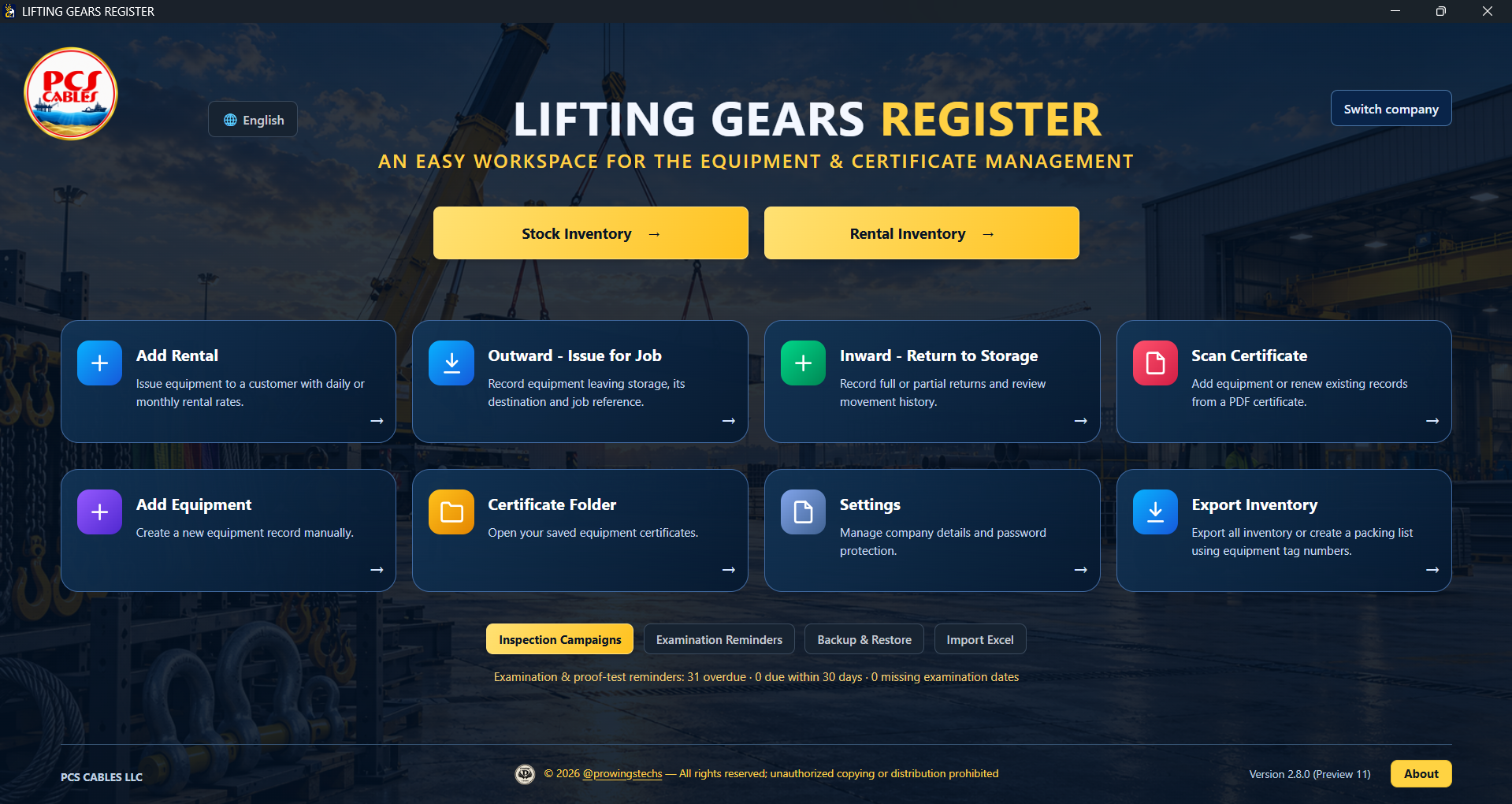
View equipment tags, types, safe working loads and certificate details in your inventory. Keep inspection, next examination and proof load test dates alongside each item.
Create an equipment record manually when you need to enter a new item without scanning a certificate.
Add equipment or renew existing records from a PDF certificate. Review the imported tags, equipment details and dates against the original document.
Open your saved equipment certificates and locate the supporting PDF documents for your records.
Record equipment leaving storage, its destination and the job reference. Keep a record of items dispatched for work.
Record full or partial returns and review equipment movement history as items come back from a job.
Prepare delivery notes and packing lists from your outward equipment workflow.
Manage company details and password protection. Use Switch company to change the active company workspace.
Ask for a demonstration, current pricing, supported Windows versions and licence conditions. We will confirm the features and delivery arrangements for the supplied version.
Buy — Test checkout ↗Test sale only. Confirm test mode and the selected variant on Lemon Squeezy.
Compare licence plans →